Fractals
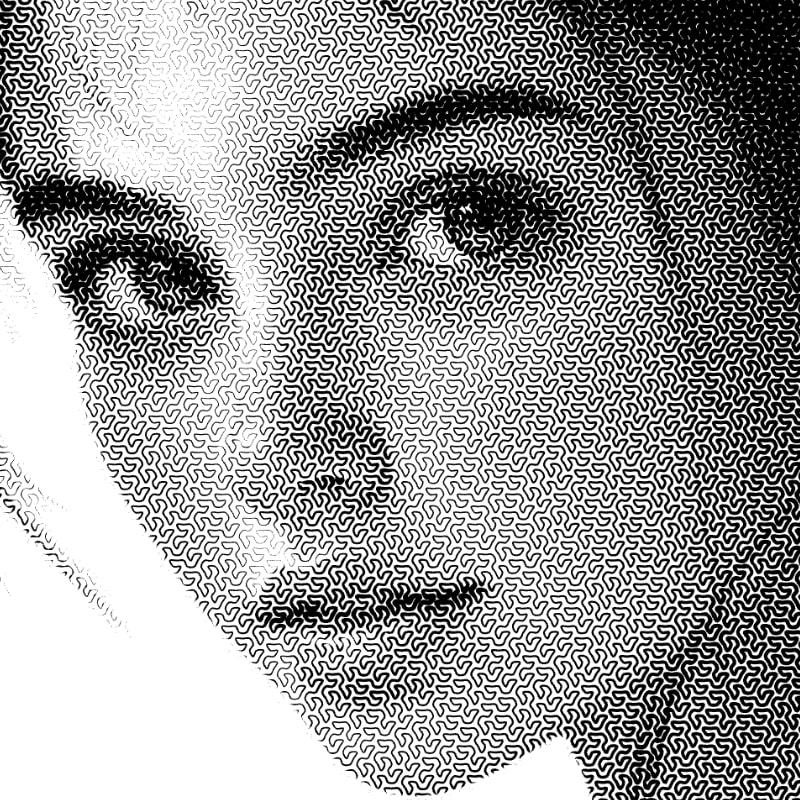
The Fractals fill type uses fractal math to create detailed stroke patterns. You can choose between Hilbert (square) or Gosper (triangular) curves.
Fill Parameters
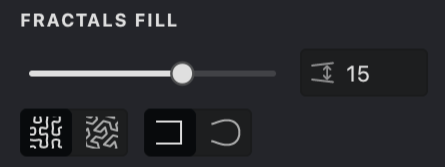
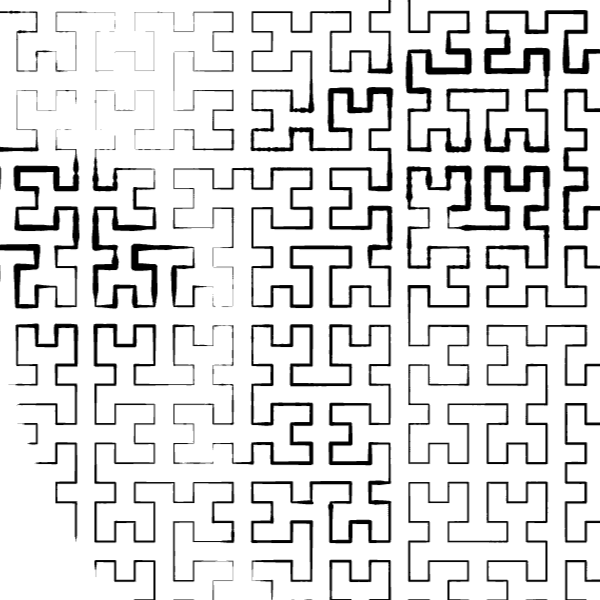
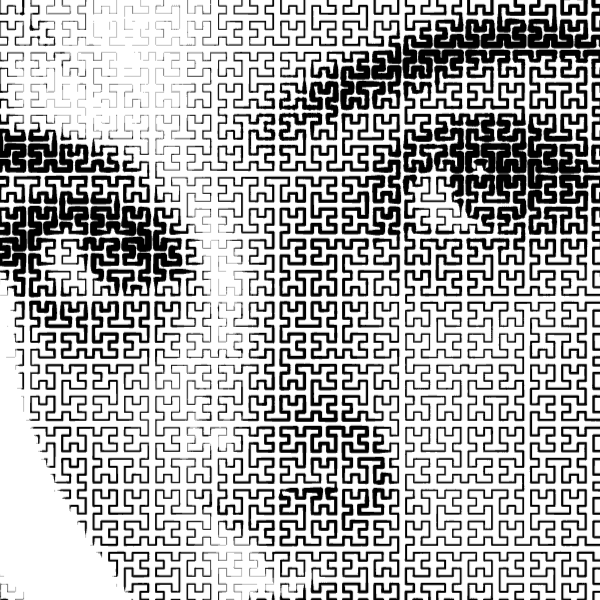
 Interval: Controls the density of the space-filling curve. A lower interval produces a denser, more detailed pattern; a higher interval produces a sparser one.
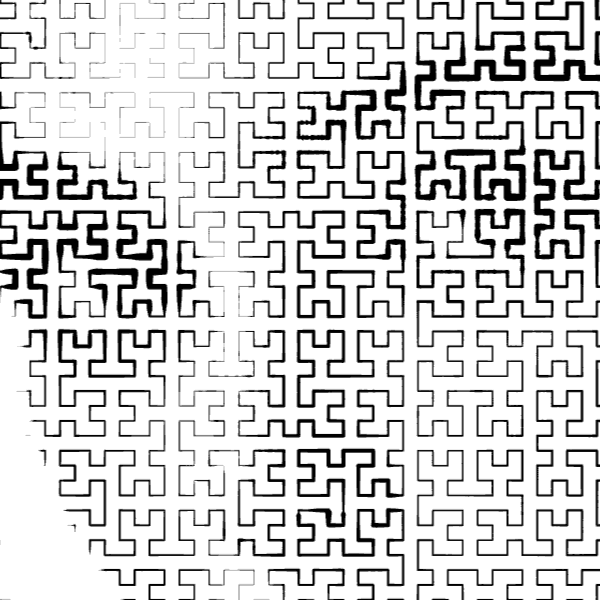
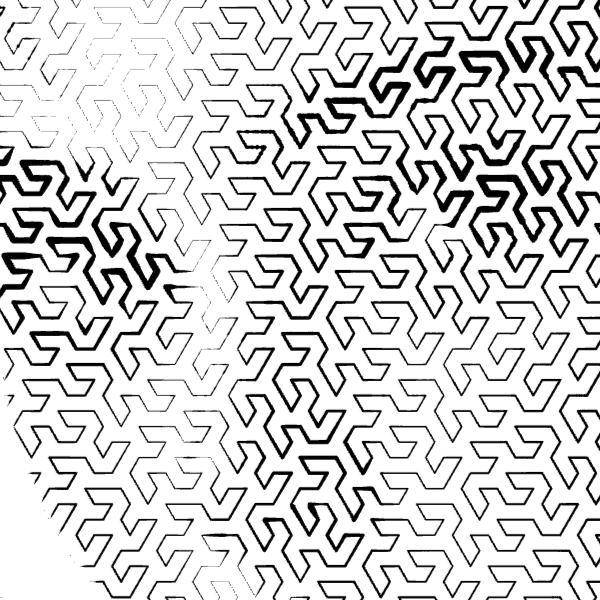
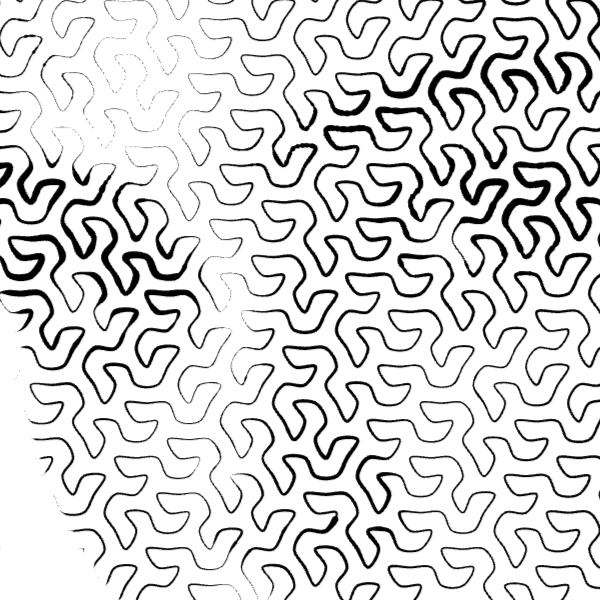
Curve type: Choose between Hilbert (square-based) and Gosper (triangle-based) space-filling curves. Each produces a distinct visual structure: Huber fills the area with right-angle turns on a square grid, while Gosper follows a hexagonal path with 60-degree turns.
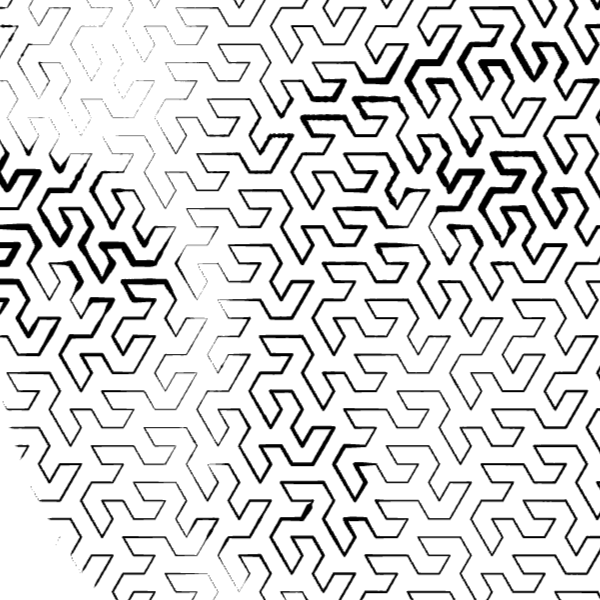
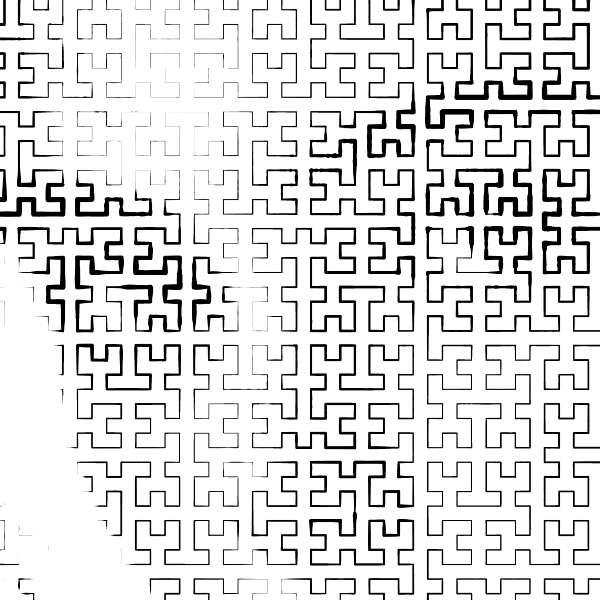
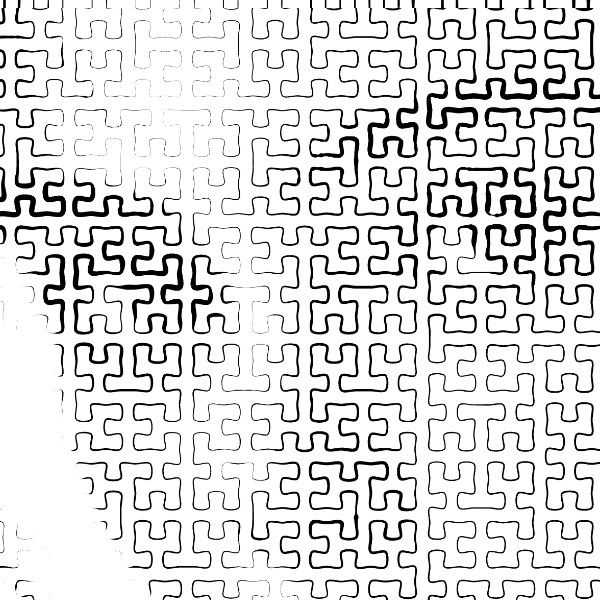
Corners: Switch between Sharp and Round corners. Sharp keeps the original angular turns of the fractal curve. Round smooths the corners into curves, giving the pattern a softer, more organic appearance.
Creating and Customizing a Fractals Fill
To create a new Fractals fill, you can follow one of the methods outlined in our guide on Add a Fill. Once the pop-up menu appears, simply select "Fractals".
Curve Type
Use the curve type selector to switch between Huber and Gosper. The two curve types produce very different visual structures and work well for different kinds of images.
| Hilbert | Gosper |
|---|---|
 |
 |
Interval
- Navigate to the Interval setting.
- Adjust the density by using the slider or manually entering a numerical value.
- A lower interval produces a denser fill; a higher interval produces a sparser one.
| Interval: 50 | Interval: 20 |
|---|---|
 |
 |
Corners
Use the corners selector to switch between Sharp and Round. Sharp preserves the angular turns of the fractal curve. Round smooths the turns into curves for a softer look.
| Sharp | Rounded |
|---|---|
 |
 |
 |
 |
Stroke Properties
Other properties apply to this fill, which you can read about in the relevant articles:
Link to Example
You can use the example file for this article UM3-Fills-Fractals.lines to practice adjusting Fractals fill parameters.