The TRANSFORM section lets you precisely move, resize, and rotate your selected objects with numerical control.
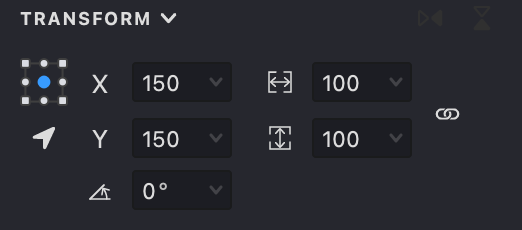
To access these options, click the "Expand" button.

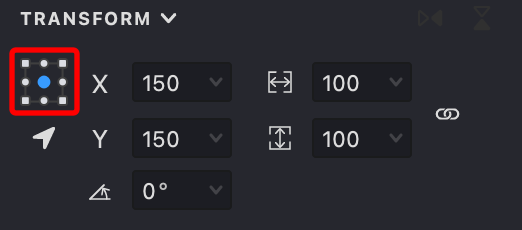
Reference Point
Use this control to set a point on the bounding box of your selected objects. All transformations will happen relative to this point, and its coordinates will be shown in the corresponding input fields.
Positioning
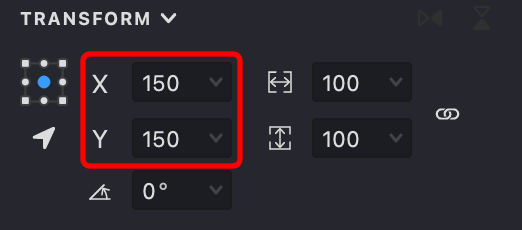
These fields display the coordinates of your selected objects, determined by the currently set reference point. You can directly enter new values to reposition your objects.
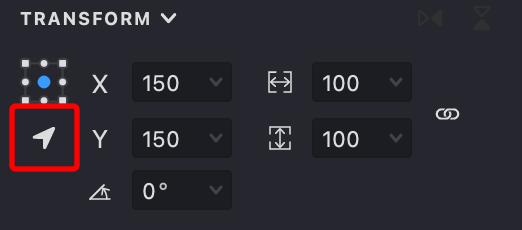
When relative positioning mode is active, the values you enter will be added to or subtracted from the current coordinates, shifting your objects accordingly.
Size
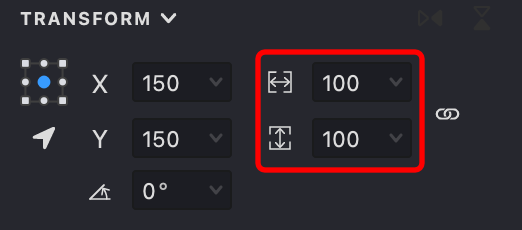
The width and height fields control the dimensions of your selected objects. Any changes will be applied relative to the chosen reference point.
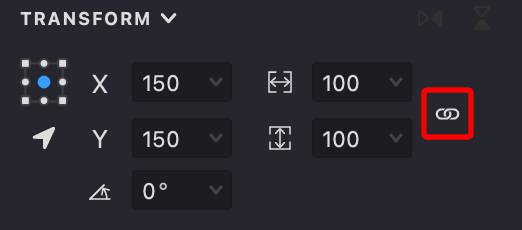
The Link button maintains proportional scaling. When enabled, changing either width or height will automatically adjust the other dimension to preserve the original aspect ratio.
Rotation
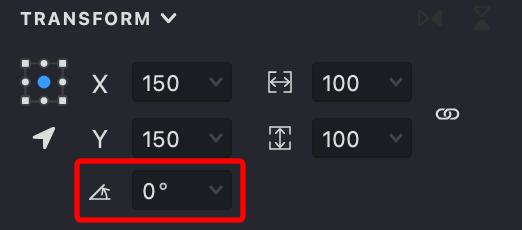
The Rotate field lets you turn your selected objects around the specified reference point by entering an angle in degrees.
Flip
These buttons let you mirror your objects horizontally or vertically with a single click.
